Use a reachable HTTPS endpoint
Tailscale Serve is the recommended route for exposing an OpenClaw deployment with a minimal and practical setup.
An Android app to connect to your OpenClaw agent, with Android native notifications and websocket support. Offering full configuration and control of your agent.
Direct connection to your agent via Tailscale. No hosted account. No analytics layer. Designed for users already running OpenClaw on their own machine or server.
Tailscale Serve is the recommended route for exposing an OpenClaw deployment with a minimal and practical setup.
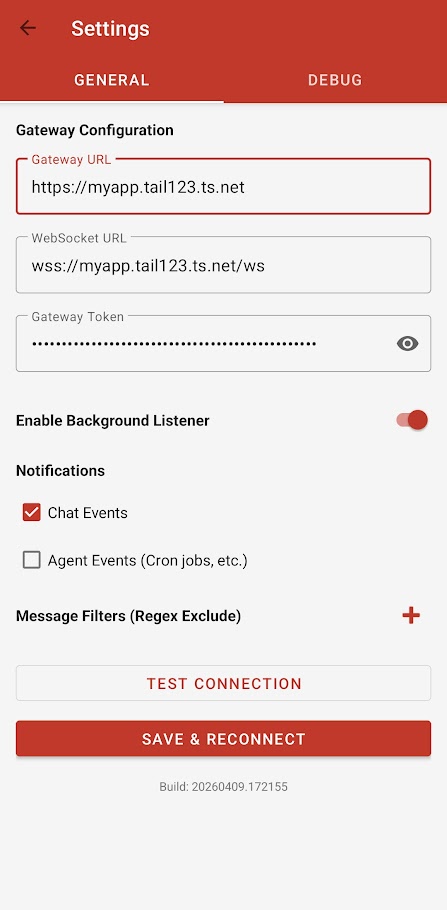
/wsExample: wss://myapp.tail12345.ts.net/ws
The app connects directly to the gateway you control and authenticates with the token in your OpenClaw configuration.
OpenClaw Control is aimed at practical day-to-day remote access rather than a generic marketing wrapper.
Enter your gateway URL, WebSocket URL, and token, then connect directly to your existing OpenClaw deployment.
Works cleanly with Tailscale-based setups and other secure reachable endpoints so you can access your gateway from your phone.
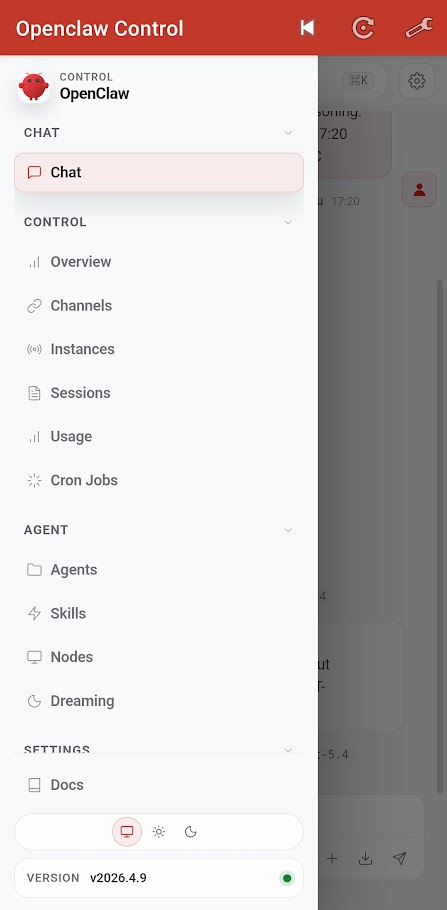
Quickly confirm that your gateway is reachable and keep an eye on active sessions while away from your desktop.
Enable Chat Events to get Android native notifications even when the app is minimised.
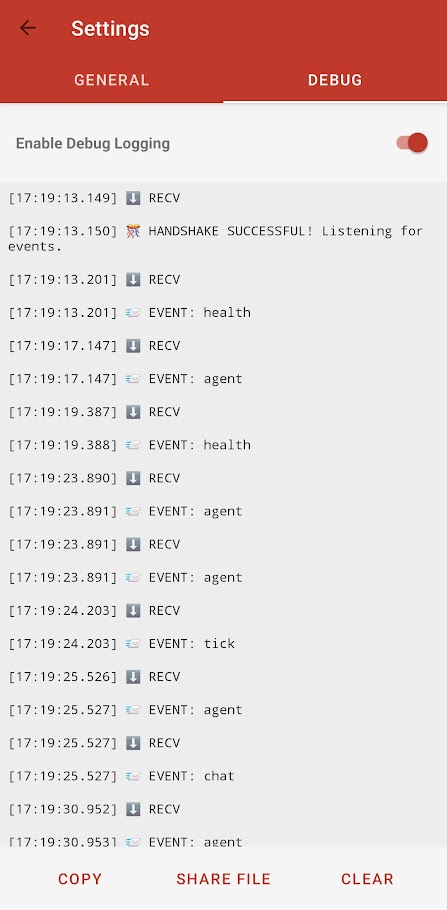
Inspect WebSocket communication when troubleshooting connectivity, token problems, or setup mistakes.
No hosted dashboard, no required account creation, and no intentional collection of message data through this site.
wss:// and /ws.auth section of your OpenClaw config.The Control app is built around the way OpenClaw already works: a single gateway process, with app-accessible control surface remote access via a secure published URL.